

The following guide covers:
Online teaching requires a lot of effort.
You not only have to deliver the content, you also need to constantly check in on students, answer emails at all hours, keep up with admin, and somehow also try to make your courses look good and feel engaging. It is rewarding, but exhausting.
But you do not need to do it all manually. With the right set of tools, you can cut down your workload, stay organized, and enjoy the creative side of teaching again.
In this article, we will share the best productivity tools to help you with teaching content design, tutorials, notes, communication, planning, and so much more. Here is a quick overview.
Platform | Best For | Pricing |
| Rocket.new | Build your own teaching tools without coding | Free, $25/month (Personal), $50, $100 plans |
| Canva | Designing visuals and materials for your lessons | Free for Education (with verification) |
| Loom | Recording easy tutorials for students | Free, $15/month (Business), $20 (Business + AI), Enterprise |
| Notion | Organizing notes and resources | Free plan available, paid plans on request |
| Slack | Keeping communication with students organized | Free, paid plans available |
| GrammarlyGO | Getting suggestions on writing pieces | Free, $12/month (Premium), $15/month (Business) |
| Google Workspace | Team collaboration, communication, productivity | Free (basic), paid plans via Workspace tiers |
| Trello | Simplifying task management | Free, $5/month (Standard), $10/month (Premium) |
| Padlet | Collaborative board for organization and brainstorming | Free, paid plans available |
| Uteach | Managing and growing your entire online teaching business | Demo available, pricing varies by plan |
In case you need more tools, check out our guides on
- 10 Best AI Assistant Tools Every Educator Needs
- 14 Best AI Quiz Makers to Generate Student Tests
- 7 Best Platforms To Create and Sell Online Courses Reviewed
#1 Rocket.new
Best for: Build your own teaching tools without coding
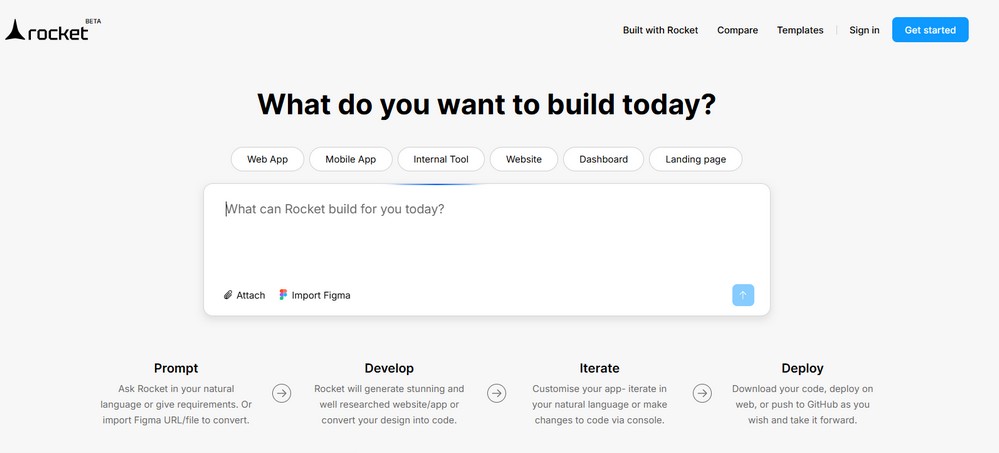
Rocket.new lets you create your own digital tools just by describing them in plain English.
Let’s say you want a student tracker that displays project milestones and allows students to check in weekly. Instead of fiddling with spreadsheets or hunting for the right software, you just ask Rocket.new to build it.
This is what vibe coding looks like in action. If you are wondering what is vibe coding, it is a way of building digital tools using natural language, just by describing your ideal workflow.
What will you get?
- Build apps with simple prompts like “I need a grade tracker.”
- No coding, no templates, no learning curve
- Perfect for student check-ins, custom feedback tools, peer review dashboards, and many more.
How can you use it?
As an educator, you often need a way for students to self-assess their progress on projects. In this case, you can build a simple app that allows each student to submit a quick status update and rate their team collaboration, right from their phones.
Pricing
- $0/month Free plan
- $25/month Personal plan
- $50/month Rocket plan
- $100/month Booster plan
#2 Canva
Best for: Designing visuals and materials for your lessons
Even if you have zero design experience, Canva lets you create professional-looking presentations, worksheets, posters, certificates, infographics, and everything you need. It is drag-and-drop simple, and the education templates are a lifesaver.
What will you get?
- Pre-made templates for classroom materials, social media posts, lesson plans, and more
- AI design assistant that helps you create faster
- Video, animation, and voiceover tools for engaging lessons

How can you use it?
Use Canva to create “visual summaries” of your units, colorful, skimmable posters with key terms and concepts. Post them digitally or as printables to help students review and retain what they’ve learned.
Pricing
If you are using Canva for Education, it is free for students and teachers. You would just need to pass the verification.
#3 Loom
Best for: Record easy tutorials for the students
Sometimes, typing out an explanation just does not cut it.
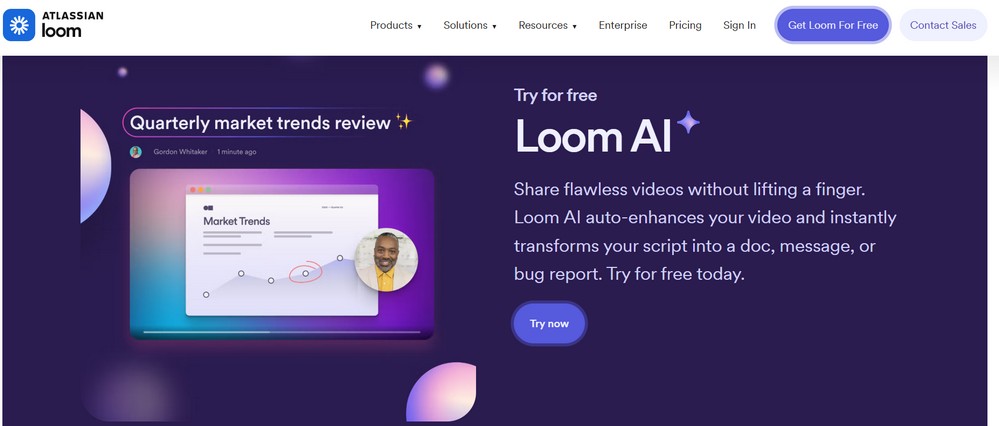
Loom makes it easy to record quick videos of your screen and your face so students can see and hear you explain a topic. Whether you are walking through an assignment, giving feedback, or sharing a weekly update, Loom helps you stay connected asynchronously.
What will you get?
- Record and share videos instantly
- Add captions, emojis, or time-stamped comments
- AI-generated transcripts and summaries
- Students can react and comment on your videos
How can you use it?
You can use Loom to quickly explain lessons, give feedback, or walk your students through a task step by step. For example, instead of writing out long instructions, you can record your screen and guide them through an assignment while speaking. This helps your students feel more connected and makes things much easier to understand.
Pricing
- $0/month Free
- $15/month Business
- $20/month Business + AI
- Enterprise pricing is available per request
#4 Notion
Best for: Organize your notes and resources
If you have ever had lesson plans in one place, student notes in another, and your to-do list scribbled on three sticky notes, you are going to love Notion.
It is an all-in-one workspace that lets you keep everything in one place: planning, tracking, organizing, and collaborating. You can build lesson databases, course hubs, reading lists, or even personal goals without switching apps or tabs.
What will you get?
- You can create custom dashboards for each class
- Organize tasks and deadlines with drag-and-drop boards
- Share reading lists or weekly modules with students
- Collaborate with co-teachers or TAs in real time
How can you use it?
You can use Notion to organize all your teaching materials in one place. For example, you can create a page for each class, add lesson plans, upload resources, track student progress, and even share pages with your students. It helps you stay organized and saves time when everything is easy to find and update.
#5 Slack
Best for: Keep the communication with your students organized
You have probably heard of Slack as a workplace chat tool, but it is a great tool when integrated with your Learning Management System (LMS) or course platform.
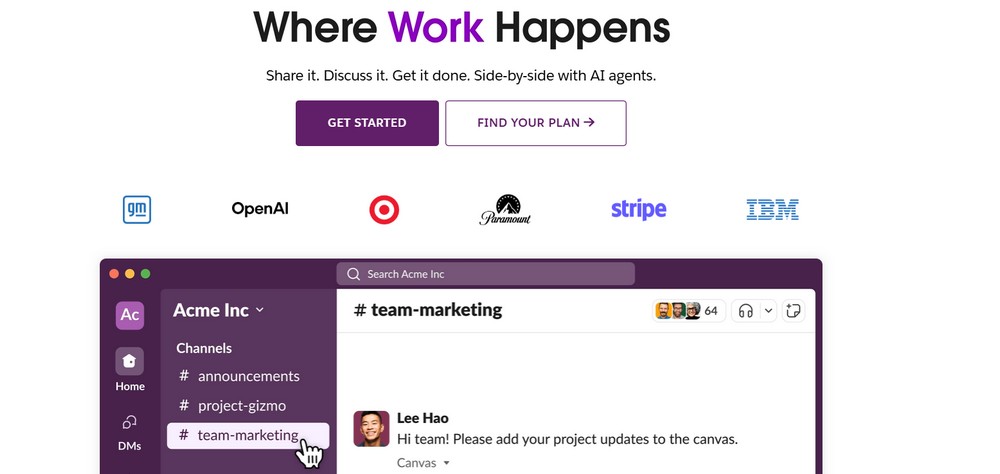
Slack helps you communicate with your students and teaching teams in real time. Instead of email chains and scattered messages, you get organized channels, direct messages, and quick file sharing, all in one place.
What will you get?
- Channels for each class or project group
- Fast responses, reactions, and threads
- Reminders, polls, and file uploads instantly
How can you use it?
You can use Slack to communicate with your students or team in a quick and organized way. For example, you can create different channels for each course, topic, or group project, so conversations stay focused. It keeps everyone in the loop, makes it easy to share files or links, and cuts down on messy email threads.
#6 GrammarlyGO
Best for: Getting suggestions on the writing pieces.
Writing clearly and professionally while also sounding friendly can be a weirdly hard balance, especially when you are doing it 100 times a day.
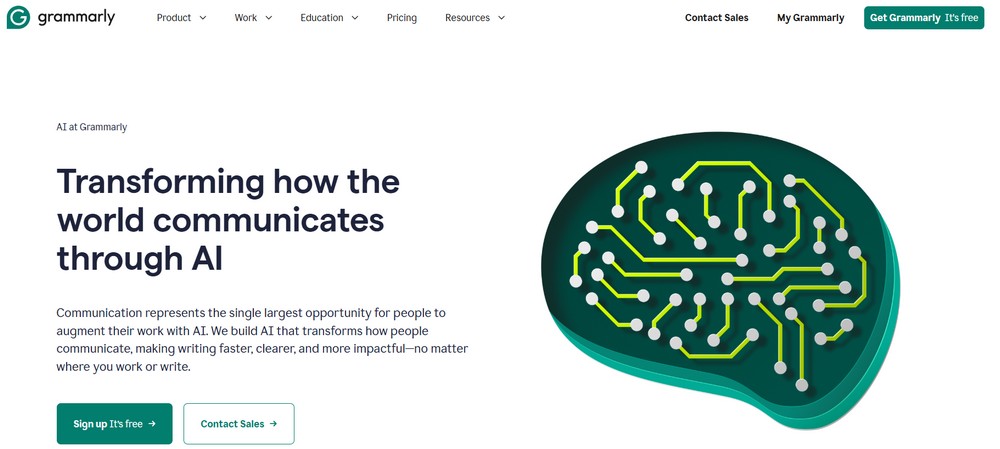
GrammarlyGO is not just a grammar checker. It helps you adjust tone, rewrite awkward sentences, catch potential plagiarism, and even generate drafts for emails, assignment descriptions, and feedback comments.
What will you get?
- Adjusts tone to match your intent
- Suggests better phrasing and clarity
- Speeds up repetitive writing tasks
- Works across tools like email, docs, LMS, etc.
How can you use it?
You can use Grammarly to make sure everything you write, from lesson instructions to student feedback, is clear, correct, and professional. For example, before sending out an email or uploading a worksheet, you can run it through Grammarly to catch grammar mistakes or improve your tone. It helps you feel confident that your writing says exactly what you mean.
Pricing
- $0/month Free
- $12/month Premium
- $15/month Business
#7 Google Workspace
Best for: Team collaboration, communication, productivity tools in one workflow
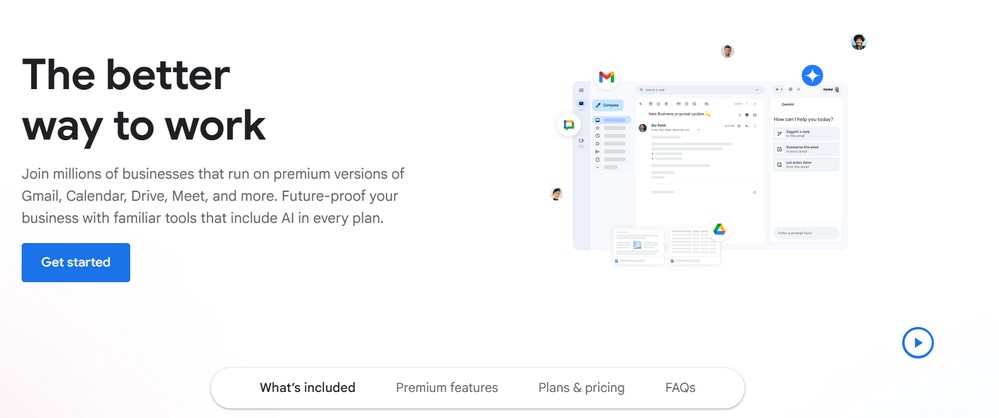
It is not flashy, but let’s be honest, Google tools still hold a solid spot in every educator’s toolkit. Docs, Sheets, Slides, Forms, and Drive are the digital glue that holds most classrooms together.
What will you get?
- Seamless real-time collaboration
- Easy sharing and access control
- Quick quiz creation with Forms
- Auto-save and cloud-based access from anywhere
How can you use it?
You can use Google Workspace to manage your entire teaching workflow in one place. For example, you can create lesson plans in Docs, collect assignments with Forms, schedule classes in Calendar, and meet your students through Google Meet. Everything stays synced and easy to access, whether you are teaching online or in person.
#8 Trello
Best for: Simplifying task management
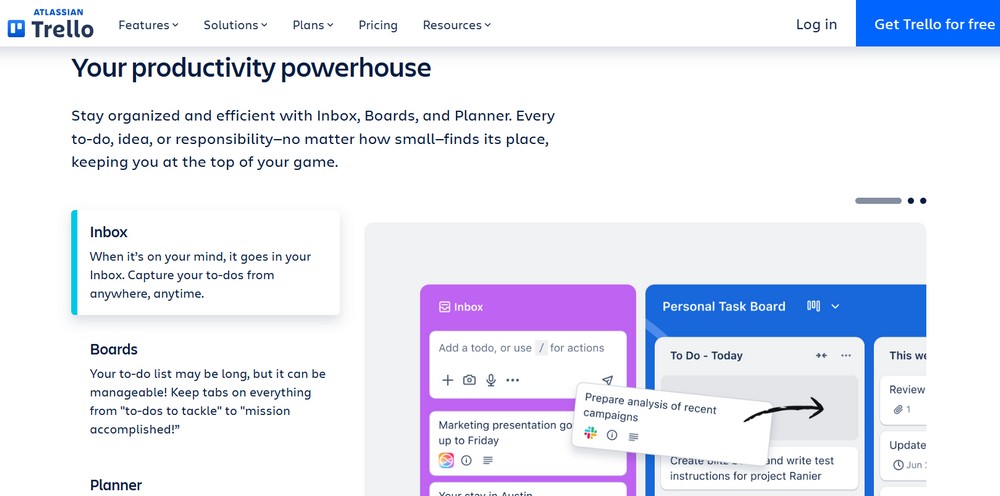
Trello helps you visually organize tasks and workflows using boards, lists, and cards. It is ideal for lesson planning, course development, or group work with students.
What will you get?
- Drag-and-drop boards
- Checklists and labels for easy tracking
- Syncs across devices
How can you use it?
You can use Trello to plan and track your teaching tasks with simple boards and cards. For example, you can create a board for your course, add cards for each lesson or assignment, and move them as you complete each step. It gives you a clear visual overview of what is done, what is coming next, and what still needs your attention.
Pricing
- $0/month Free
- $5/month Standard
- $10/month Premium
#9 Padlet
Best for: Collaborative board for an organization and brainstorming
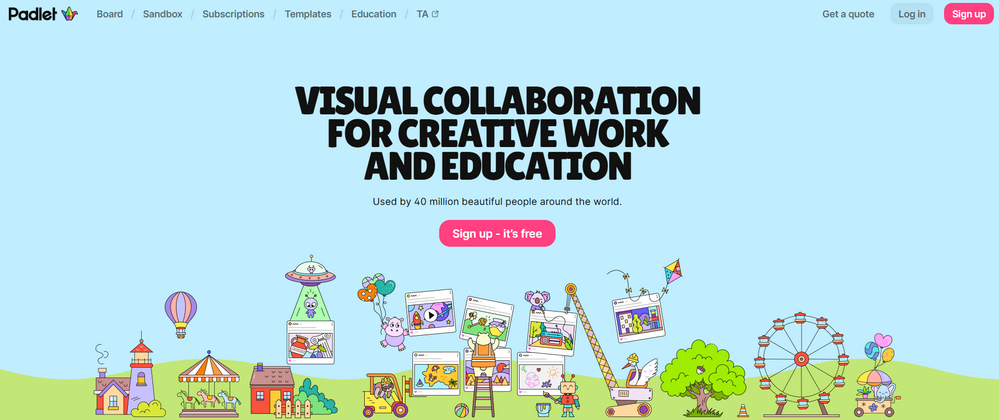
If you are looking for a fun and visual way to collect student input, ideas, or reflections, Padlet is a great option. Think of it as a digital bulletin board where anyone can post.
What will you get?
- Easy for students to post text, links, images, and videos
- Great for discussions, icebreakers, and feedback
- Visually engaging and collaborative
How can you use it?
You can use Padlet to create an interactive space where your students can post their ideas, questions, or projects. For example, after a lesson, you can ask a question and let everyone add their answers or thoughts on the board. It keeps students engaged, gives everyone a voice, and turns learning into a more collaborative experience.
#10 Uteach
Uteach is an all-in-one platform that helps educators create, manage, and sell online courses, live classes, and coaching programs. It gives you everything you need in one place. From building a website and uploading content to running quizzes, tracking student progress, sending emails, and accepting payments. Whether you teach pre-recorded lessons or offer live sessions, Uteach makes it simple to share your knowledge and grow your teaching business.
What will you get?
- Use the AI assistant to create courses faster
- Create and assign quizzes or homework
- Track student progress with analytics
- Launch your own website and blog
- Send emails and automate marketing
- Accept payments and manage orders
- Issue course completion certificates
- Connect with your favorite tools
How can you use it?
You can use Uteach to create and sell your own online courses, all in one platform. For example, you can upload pre-recorded lessons, run live classes, add quizzes, and even offer coaching sessions without needing any extra tools. It helps you reach more students, teach the way you want, and grow your online teaching business with ease.
Manage your whole teaching business in one place
Each of these tools helps you do more of what matters: teaching creatively, connecting authentically, and running your classroom without burning out.
With hundreds of tools out there, it is easy to feel overwhelmed. You jump from one app to another, trying to keep everything together, only to end up spending more time managing systems than teaching.
A platform like Uteach brings everything under one roof. It supports blended learning so you can combine live sessions with self-paced content. It is built for mobile learning, making it easy for your students to learn from anywhere. You can also create opportunities for social learning by encouraging interaction and community through discussions and comments.
Most importantly, it helps you save time. You can automate live lesson scheduling, track attendance, manage your calendar, send email updates, and handle so many other administrative tasks without the usual stress.
If you are ready to take control of your teaching business, book a free demo with our expert. We will show you how Uteach helps you simplify your work, engage your students, and grow with confidence.



